Website owners who rely on guesswork rarely understand what is actually happening on their sites. When website analytics tools and traffic monitoring are set up properly, they reveal how many people visit, where they come from, and what they do on each page.
This kind of visibility helps guide content, marketing, and design decisions without depending on paid software or large budgets.
What Are Website Analytics Tools?
Website analytics tools are platforms that collect and organize data about visits to a website.
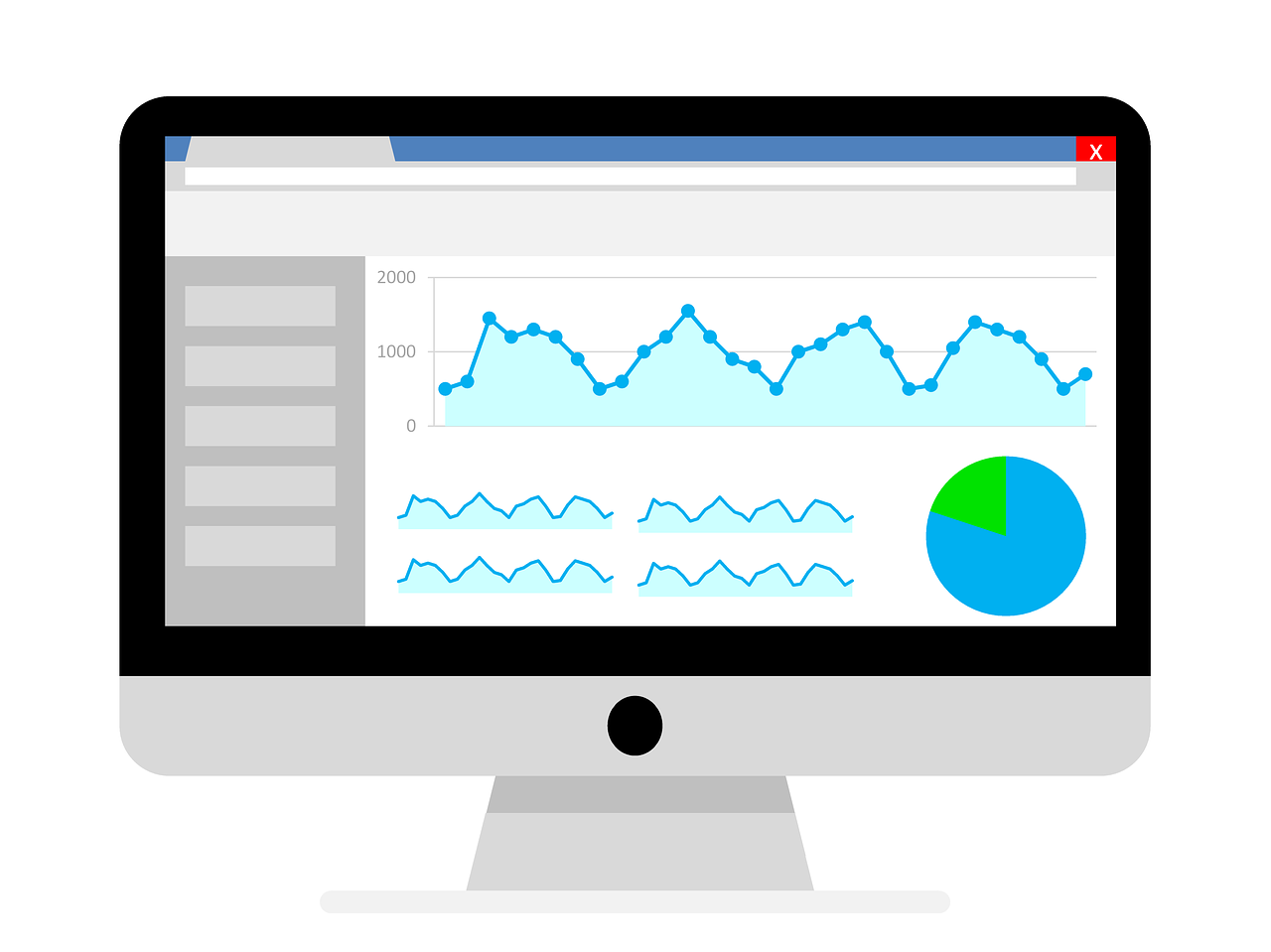
They track actions such as page views, clicks, scroll depth, and time spent on pages, then turn that raw information into charts and reports that are easier to interpret. Instead of sifting through server logs, site owners can open a dashboard and quickly see the most important trends.
Most website analytics tools focus on a core set of metrics that matter to almost any site. Common examples include users (unique visitors), sessions (visits), pageviews, bounce rate, and average engagement time.
Traffic monitoring features often extend to acquisition data, revealing which channels, campaigns, and sources drive the most visits and interactions.
Why Use Free Analytics Tools to Monitor Traffic?
Free analytics platforms are often more than enough for personal sites, small businesses, bloggers, and early-stage projects.
They provide essential traffic monitoring without adding monthly costs, allowing site owners to experiment and learn before committing to any paid upgrades. In many cases, the free tier of popular tools already includes robust reporting for audience, acquisition, and behavior.
However, free website analytics tools can have limitations that become noticeable as a site grows. Data sampling, restricted historical ranges, fewer custom reports, and limited integrations are common trade-offs.
At that point, traffic monitoring might benefit from a move to a paid plan or a complementary analytics solution, but starting with free tools usually offers a strong foundation.
Setting Traffic Goals Before Tracking
Traffic numbers only matter when tied to clear goals. Before installing any tracking code, site owners benefit from defining what success means for them: more brand awareness, higher email signups, form submissions, sales, or longer on-page engagement.
With that clarity, metrics from website analytics tools become part of a story rather than isolated numbers in a dashboard.
From there, they can translate those goals into specific key performance indicators. For example, a blog might focus on organic sessions and returning visitors, while an online store pays close attention to product page visits, add-to-cart events, and completed checkouts.
Traffic monitoring then becomes a way to track progress toward those defined outcomes over time.
How Do I Track Traffic on My Website?
To track traffic effectively, a site owner typically begins by creating an account with a free analytics provider and connecting their website.
This connection usually involves adding a small tracking script to the site’s code, using a tag manager, or installing a plugin in a content management system such as WordPress. Once that script loads on each page, the tool can start collecting visit data almost immediately.
After installation, the next step is to verify that data is flowing correctly. That often means opening the real-time or live view report and visiting the site from a browser to see if the visit appears.
When the tracking is confirmed, the owner can start exploring core reports that show total visitors, pages viewed, average engagement, and other traffic monitoring details by date range.
How Can I Track Website Visitors for Free?
Free visitor tracking usually starts with a combination of analytics and search-related tools.
A standard setup includes a main analytics platform for on-site behavior, a search console tool for search performance, and sometimes a lightweight heatmap or session recording solution if deeper behavior analysis is needed. Together, these tools offer a broad view without requiring any subscription fees.
That said, free visitor tracking solutions are not identical in what they measure. Some tools focus heavily on page-level metrics and simple overviews, while others highlight acquisition channels and search queries in more detail.
For reliable traffic monitoring, it helps to understand each tool’s strengths, then combine them thoughtfully rather than expecting one free service to answer every question.
Examples of Free Website Analytic Tools
1. Google Analytics 4 (GA4)
Google Analytics 4 is Google’s latest-generation analytics platform, built around an event-based data model rather than sessions alone.
It tracks user interactions such as page views, scrolls, outbound clicks, file downloads, and custom events across websites and apps. GA4 offers built-in reports for acquisition, engagement, monetization, and retention, plus funnels and path analysis for deeper behavior insights.
It integrates natively with Google Ads, Search Console, and BigQuery, making it a central hub for many marketing stacks. The standard version is free, with data limits that are generally sufficient for most small and mid-sized sites.
2. Google Search Console
Google Search Console is a free tool that shows how a website performs in Google Search, focusing on queries, impressions, clicks, and average positions for individual pages.
It provides reports on indexing status, sitemaps, Core Web Vitals, mobile usability, and structured data issues that may impact visibility. Site owners can inspect specific URLs to see how Google crawls and indexes them, submit updated URLs for re-crawling, and monitor manual actions or security problems.
The performance report allows filtering by page, country, device, and query, helping identify keywords and pages that deserve optimization. Because it uses Google’s own search data, it complements GA4 by explaining the search side of organic traffic.
3. Google Tag Manager
Google Tag Manager (GTM) is a free tag management system that centralizes the deployment of tracking scripts such as analytics, pixels, and marketing tags.
Instead of editing a site’s code repeatedly, users place one GTM container snippet and then manage tags, triggers, and variables through an online interface. This setup makes it easier to implement GA4 events, conversion tracking, remarketing tags, and A/B testing scripts while reducing reliance on developers for minor changes.
GTM supports built-in templates for many popular tools, as well as custom HTML and JavaScript tags for more advanced use cases. Properly configured, it helps keep tracking organized and reduces the risk of duplicate or broken tags.
4. Microsoft Clarity
Microsoft Clarity is a free behavior analytics tool offering unlimited heatmaps and session recordings with no traffic caps.
It visualizes where users click, how far they scroll, and how they move around a page, revealing UX issues that traditional metrics might miss. Features like rage click detection, dead click detection, and quickbacks help identify frustration points or confusing UI elements.
Clarity includes basic analytics dashboards that show engagement metrics, popular pages, and devices, and it integrates with Google Analytics for combined insights. Because it is free and has no sampling limits, it is attractive for sites that want deep qualitative insights alongside quantitative tracking.
5. Hotjar (Free Plan)
Hotjar is a behavior analytics and feedback tool that offers a free plan with limited heatmaps, session recordings, and on-site surveys.
Heatmaps show aggregate click, move, and scroll behavior for pages, helping identify which sections attract attention or are ignored. Session recordings let site owners watch anonymized playbacks of user journeys to see how visitors navigate, where they hesitate, and where they drop off.
The free tier also supports basic feedback widgets and surveys, which can collect direct comments from users about specific pages or features. While the free plan has caps on the number of sessions and data retention, it is often enough for small sites to uncover usability issues.
6. Open Web Analytics (Self-Hosted)
Open Web Analytics (OWA) is a free, open-source web analytics application that can be installed on a server the site owner controls.
It tracks pageviews, visitors, referrers, and click paths, and can also record mouse movements and heatmaps for supported integrations. Because it is self-hosted, all data stays on the owner’s infrastructure, which can be beneficial for privacy-focused projects or strict compliance environments.
OWA supports tracking for multiple websites and offers APIs and plugins (including for WordPress and MediaWiki) to make integration easier. Compared with hosted tools like GA4, it may require more technical setup and maintenance but offers greater control over data and customization.
How to Track Website Traffic Using Search Console
Search console tools from major search engines complement traditional analytics by focusing specifically on search performance. After verifying site ownership, the tool begins collecting data on impressions, clicks, average position, and click-through rates for queries and pages in organic search results.
This helps site owners understand how their content appears and performs across different keywords.
When combined with website analytics tools, search console data adds context to traffic monitoring. For instance, a drop in organic sessions might correspond with a decline in impressions or ranking position for important queries.
Conversely, a spike in search clicks to a particular page can highlight topics that resonate with users and deserve more supporting content.
Using Free Third-Party Website Traffic Checkers
Beyond on-site analytics, free third-party traffic checkers estimate visits to other websites. These tools are often used for competitor research, benchmarking, and market analysis. They can reveal approximate traffic volumes, top pages, and traffic split by channel for domains that are not under the user’s direct control.
It is important to remember that these estimates are modeled and may not match reality perfectly. Their strength lies in identifying broad trends rather than precise counts. When used alongside direct analytics and search data, these external traffic monitoring tools can help place a site’s performance in a wider competitive context.
How to Analyze Website Traffic Data
Collecting data is only the first step; interpreting it is where real value emerges. A practical approach begins with looking at overall traffic trends, then drilling into specific pages, channels, and devices.
Identifying which pages attract the most visitors and which have high exit or bounce rates can highlight both strengths and friction points in the user experience.
Segmentation is crucial for meaningful analysis. By separating data by device type, location, traffic source, or user behavior, patterns that are invisible in aggregate numbers come into focus.
For example, a page might perform well on desktop but poorly on mobile, or a particular country might respond more strongly to certain topics. These insights then shape content, design, and optimization priorities.
Maximizing Long-Term Value From Free Analytics Tools
Free analytics platforms offer more than simple counters; they serve as ongoing guides for website improvement. When traffic monitoring is integrated into regular routines, weekly check-ins, monthly reviews, and periodic deep dives, site owners can spot issues early and amplify what already works.
Even without paid upgrades, careful goal-setting and thoughtful analysis can uncover significant performance gains.
As websites evolve, the role of website analytics tools also expands, supporting content strategy, user experience decisions, and marketing investments.
Those who consistently pay attention to their data develop a clearer understanding of their audience and a more confident approach to experimentation. In that sense, free analytics are not just measurement instruments, but essential partners in long-term digital growth.
Frequently Asked Questions
1. How often should a small website review its analytics data?
For most small websites, reviewing analytics once a week is usually enough to catch meaningful trends without getting distracted by daily fluctuations. Weekly check-ins help identify changes in traffic, top-performing content, and unexpected drops early, while a deeper review once a month allows for more strategic adjustments to content and marketing plans.
2. Do website analytics tools slow down a site or affect performance?
Most modern analytics tools are designed to load asynchronously, which means they typically do not block or significantly slow down page loading for visitors. Performance issues are more likely when multiple tracking scripts are installed, so it is generally better to keep the number of active analytics and tracking tags as lean and purposeful as possible.
3. Can website owners track traffic from offline campaigns, such as flyers or events?
Yes, offline campaigns can still be measured by using custom URLs and UTM parameters printed on flyers, posters, or event materials. When visitors type in those unique links, website analytics tools can attribute that traffic to a specific offline campaign, making it easier to gauge which offline efforts are driving real website visits.
4. How long does it take for analytics data to become reliable after installing a tracking tool?
Most tools begin recording data within minutes of installation, but patterns only become reliable after a bit more time. For low-traffic sites, it can take a few weeks to accumulate enough visits to see clear trends, while higher-traffic sites may start seeing meaningful patterns in a matter of days.