
Website design is the cost of creating the actual website. Your website design cost includes the look of the website and the functionality, such as e-commerce and contact forms. The cost to build a website can be relatively inexpensive if you DIY most of it using a ready-made template, or on the higher end if you go with a designer.
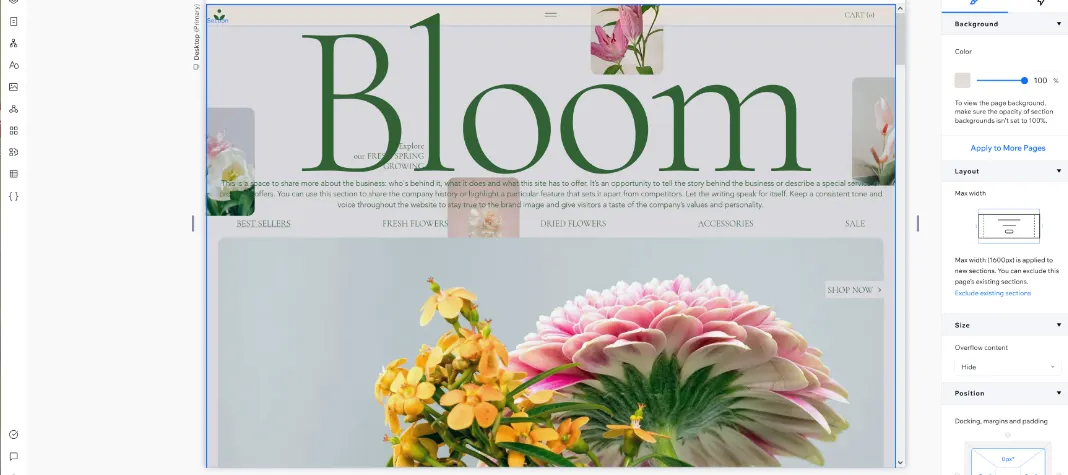
Website design includes colors, elements, photos, text and functionality of the website.
Professional Builds or DIY
Building a website yourself lets you pay in time spent instead of cash. Website builders and user-friendly content management systems (CMS) such as WordPress make DIY more accessible for people without coding skills, but many DIYers find that they need some professional help at some point in the build to adjust templates or add custom coding for certain functions.
The simplest website type is an informational website, essentially a business card online that doesn’t change often, tells people about your company and gives them a way to contact you. Those sites are the easiest to DIY, especially with one of the best website builders that lets you drag and drop information into a ready-made template. If you’re more familiar with basic coding and WordPress, you can opt for a more advanced builder such as Elementor (free version available) to give yourself more hosting options.
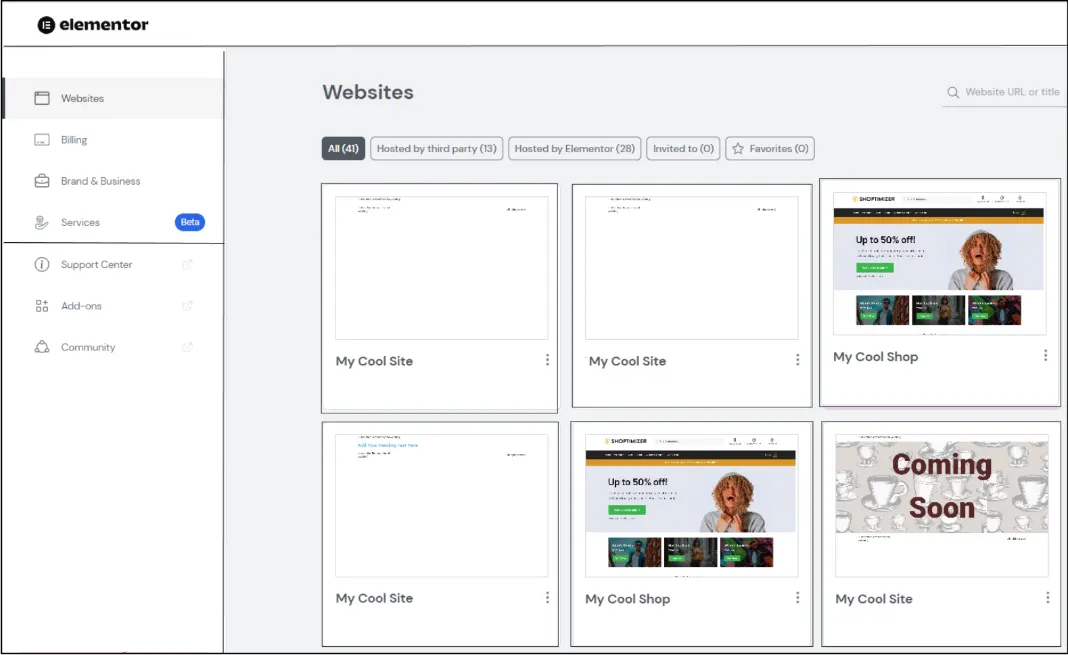
Elementor is one of the website design tools used by professionals and DIYers.
If you choose to hire a professional website design company, most of those designers will still work from a template and many create WordPress-powered websites. However, some work within website builders such as Wix as well. Be sure to ask exactly what your chosen designer will do, such as if custom graphics are provided, if hosting is included and what updates will cost later.
I’ve personally seen agencies charge clients well over $1,500 to add text and change out stock images on a template, and even one agency that used the same template for every client. I’ve also seen agencies do deep dives into customization and mobile optimization for far less. If you only need a specific custom coding task done, costs can be around $200 per hour.
If you hire a pro, be prepared to take time to get several quotes and review examples of their work before deciding.
Templates
A template is a premade website that you customize to create your website without starting from raw coding, which almost no one does now except for very large and expensive projects. Whether you use a website builder, WordPress or another CMS such as Joomla, chances are you or your designer will start with a template.
Template costs range from free to well over $1,000. Website builders usually include a template or theme, and there are third-party marketplaces where you can purchase themes from agencies. When shopping for a theme, look for ones that are mobile-responsive.
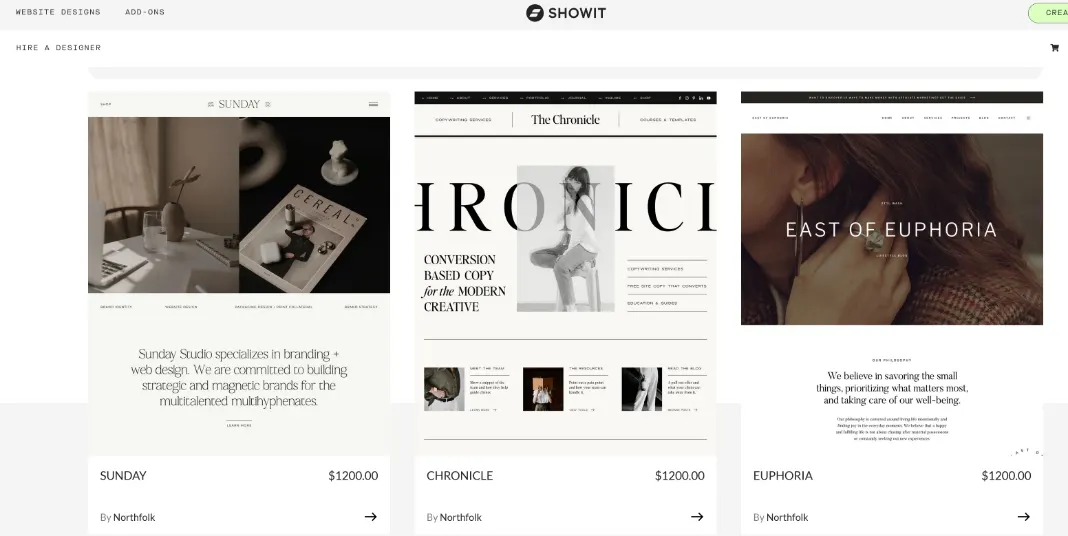
Some templates can easily climb over $1,000.
E-Commerce Functionality
E-commerce functionality almost always comes with an additional cost, usually starting around $15 to $30 monthly. In addition, the e-commerce software may connect (integrate) with other providers such as shipping and payment processors that often come with additional costs such as processing fees.
All-in-one e-commerce platforms usually include hosting and a website builder or some capacity, but website builders and CMS often offer e-commerce options, such as WooCommerce, as well. There are also e-commerce systems designed to be embedded in another website through coding or as a plugin.
Some of the most important e-commerce features include a checkout system, access to payment processors, product management, shipping integrations and sales tax calculations.
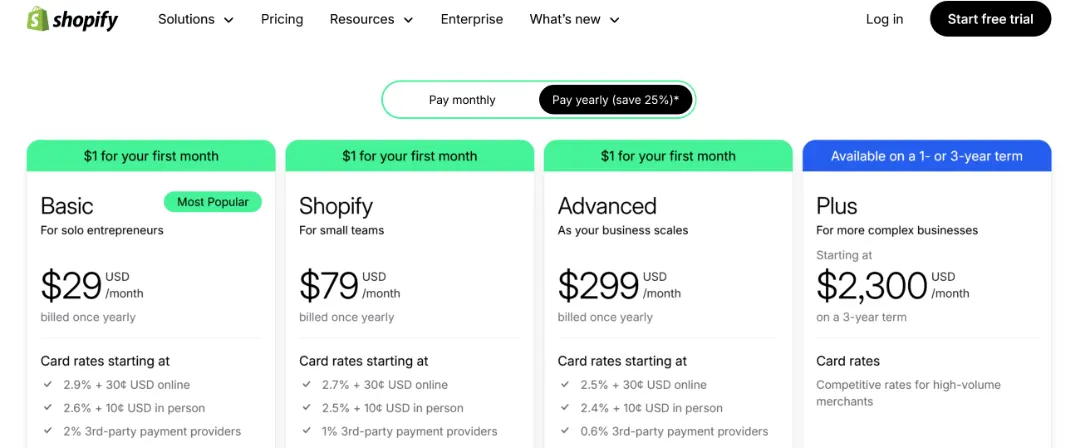
E-commerce functions can be embedded, added as an app or handled on an all-in-one e-commerce platform.
Apps
If you are using a CMS such as WordPress or a website builder, much of your website’s design and functionality will be handled by plugins or apps. These are software applications that are built to work with your specific design platform and are usually installed with a few clicks of the mouse instead of with raw coding. Some are free and some are paid. Paid apps may cost one-time fees or come with subscription costs.
Plugins and apps often handle features such as live chat, advanced SEO and e-commerce.
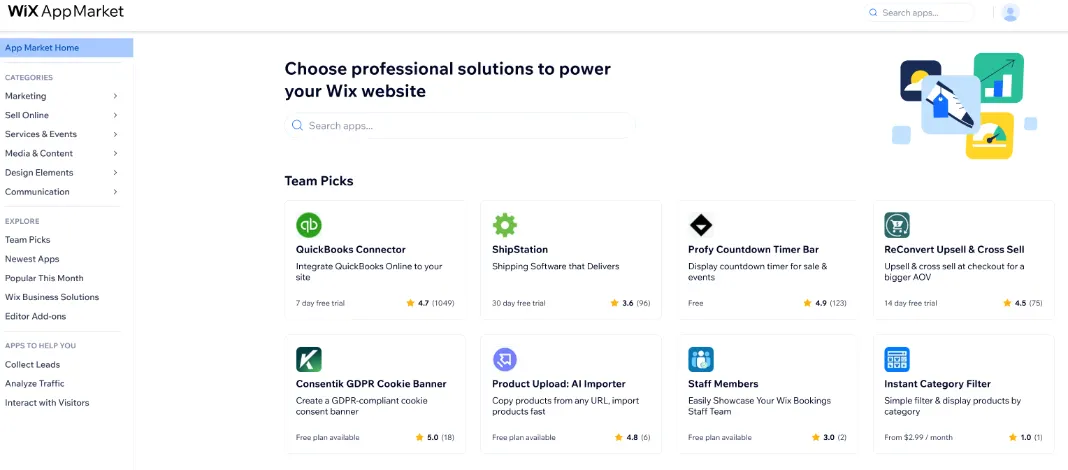
Apps and plugins have a variety of price points, with some being free.
Graphics
While free photos from websites such as Pixabay are tempting and cheap, they often come with problems such as copyright violations, no model releases and overuse. A few web builders, such as GoDaddy and Canva, include paid royalty-free stock images as part of your subscription/hosting costs.

Canva and a few other website builders include stock photo access as part of the paid plans.
However, most marketing experts agree that using as many authentic photos of your business products, customers (with permission, of course) and staff as possible instead of stock photography results in more favorable attitudes from your website visitors. Some take photos themselves, but others will find they need to hire a professional photographer to get high-quality images.
If you hire a professional photographer or a graphic designer for graphics, costs could run from $50 for one image to $10,000 for a full day of product photography.