

The Gist
- Cost-effective options. Free SEO tools provide powerful capabilities without the financial commitment.
- Comprehensive coverage. These tools offer everything from keyword research to performance analytics.
- Range of abilities. Various tool options cater to marketers with a range of SEO abilities.
Navigating the world of search engine optimization (SEO) — and the hundreds of tools available — can be daunting. Marketers often find themselves sifting through an overwhelming number of options, many of which come with hefty price tags.
However, there are some gems out there that don’t cost a dime. Free SEO tools offer plenty of capabilities to enhance your digital strategy, from keyword research to on-page optimization.
Check out these 10 best free SEO tools that every marketer should have in their arsenal.
1. SEMRush
You don’t have to pay for SEMRush to get value out of it. The free version of the tool allows you to perform keyword research, track keyword rankings, audit your website, get recommendations for content optimizations, check your website’s accessibility and much more.
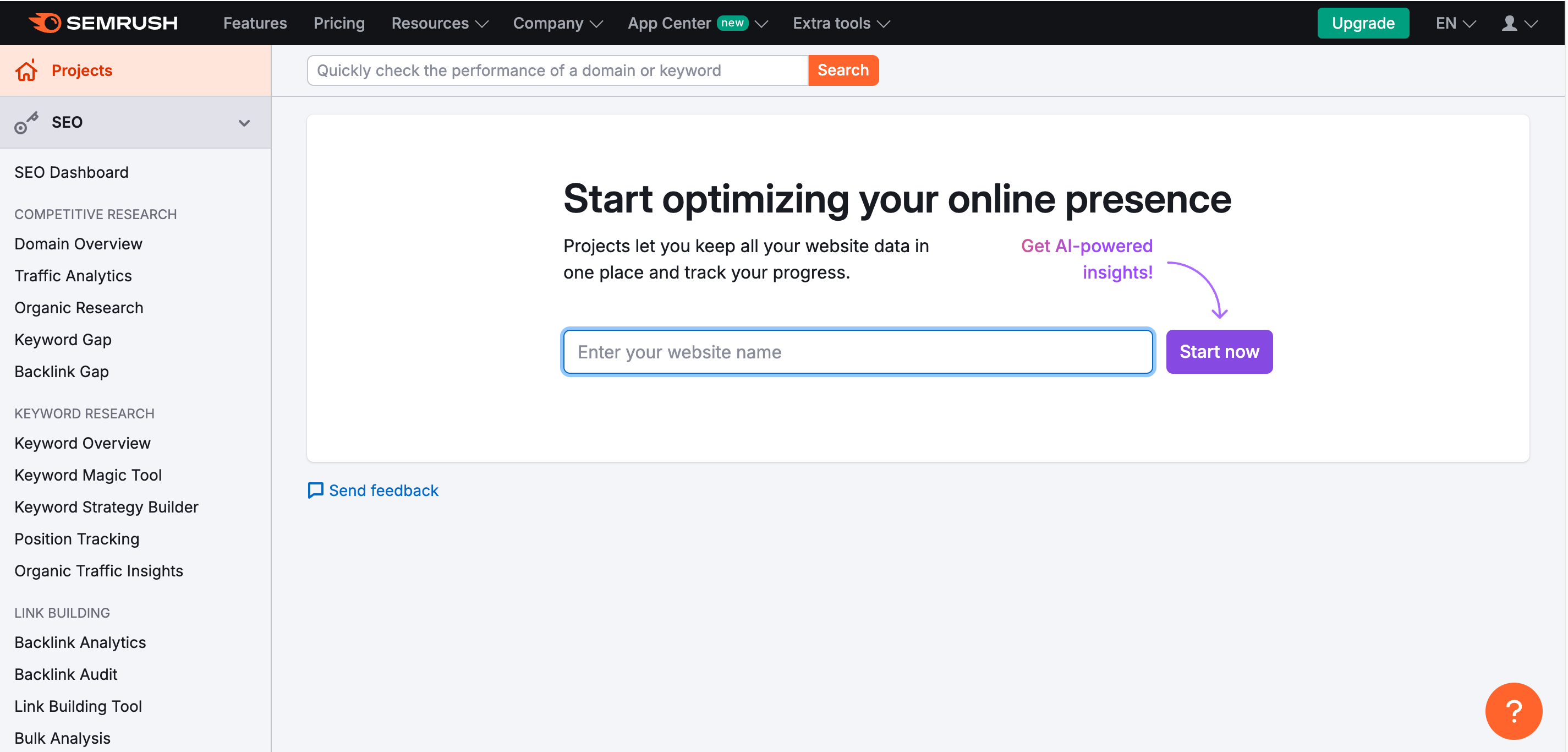
Teajay Kimsey, director of marketing & communications at Crystal Structures Glazing, said she uses the tool to get up-to-date information on how a website is ranking against competitors for specific keywords. “I also appreciate that I get an email update pointing out areas where improvement is needed,” she said.
She added, “The ability to look at keywords to compare use and searches is an important part of finding unique niche words or phrases that can be optimized for results.”
2. Google Search Console
Google Search Console is a free tool that allows you to monitor your website’s performance in search. It can:
- Evaluate your site’s health, looking at serve errors, load issues and security issues
- Identify your highest traffic pages and search queries
- Monitor your click-through rate (CTR) over time
- Add a sitemap to help search engines understand your website’s structure and content
- See keyword performance
- Compare your site’s performance across desktop, mobile and tablet
This tool is great to show what searches are leading to your website and the landing pages that are performing well, said Kimsey. “By knowing what people are searching for you can then work to capitalize on those searches,” she said.
Lindsey Garrett, senior manager of marketing at Stout, added that the tool provides the best scans of your site for indexing errors that are vital to good SEO health. “Search Console covers the basics of technical SEO and what you can improve on your specific website within structure, code and indexing,” Garrett said.
3. Screaming Frog SEO Spider
For technical SEO, said Garrett, Screaming Frog SEO Spider is the dominant choice.
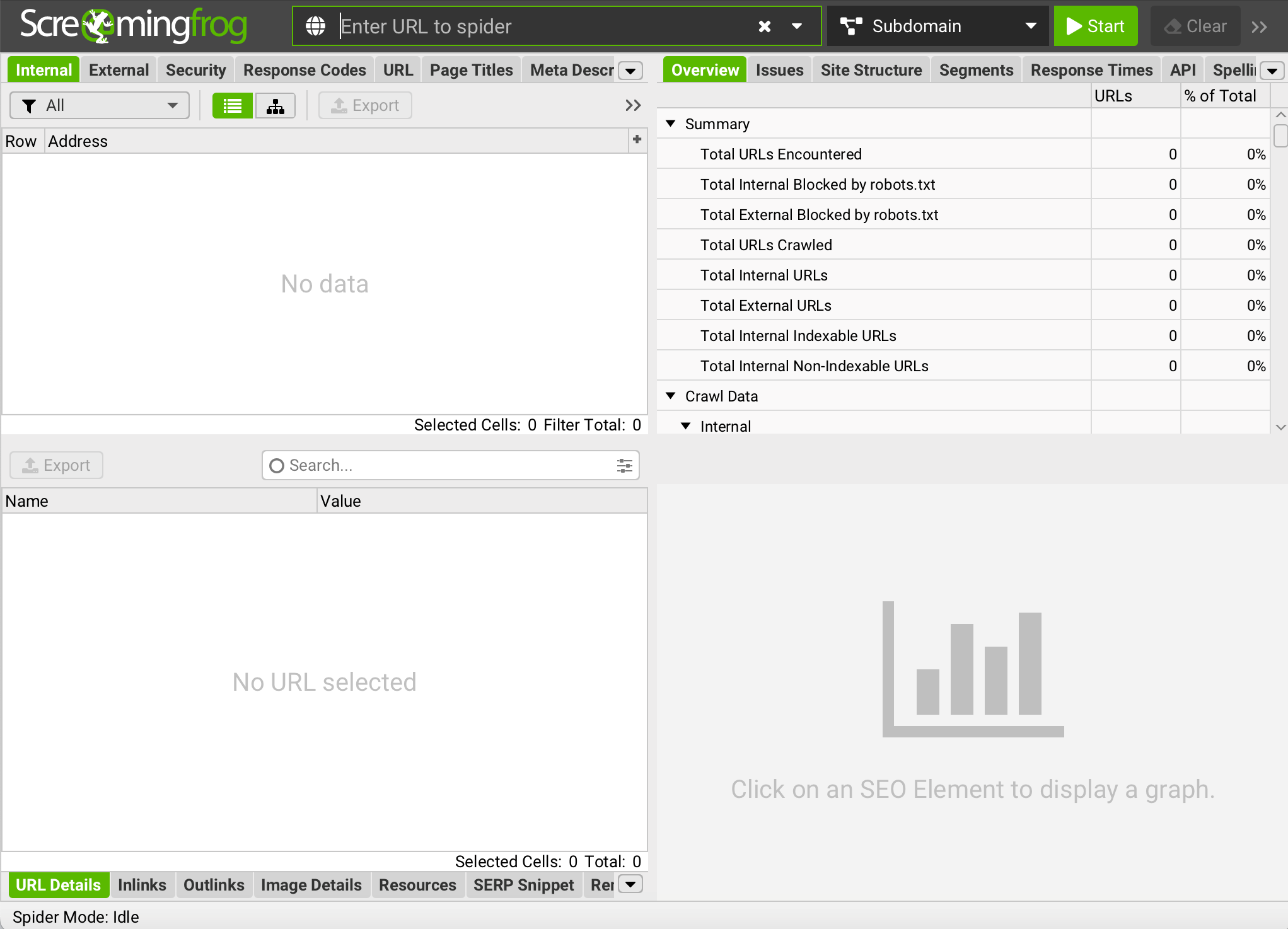
In the free version, she explained, the tool allows you to scan up to 500 URLs. And the paid option gets you unlimited URLs. The tool will crawl a website in seconds and find broken URLs and server errors, which can impact site health. It can analyze page titles and meta descriptions and pinpoint those that are too short, long, missing or duplicated across content. It can also track the progress of SEO issues and opportunities to see what’s changed between crawls.
“The tool is clean, simple and straight forward without frills,” said Garrett. “It’s a workhorse that gets the job done and has decent knowledge based articles to help you do what you need to in the tool.”
Related Article: State of SEO: Google Search Algorithm Updates for 2024
4. Google Keyword Planner
Google Keyword Planner is another option within Google’s suite of free SEO tools. It’s invaluable for SEO pros because it allows for deep insights into keywords and search trends.
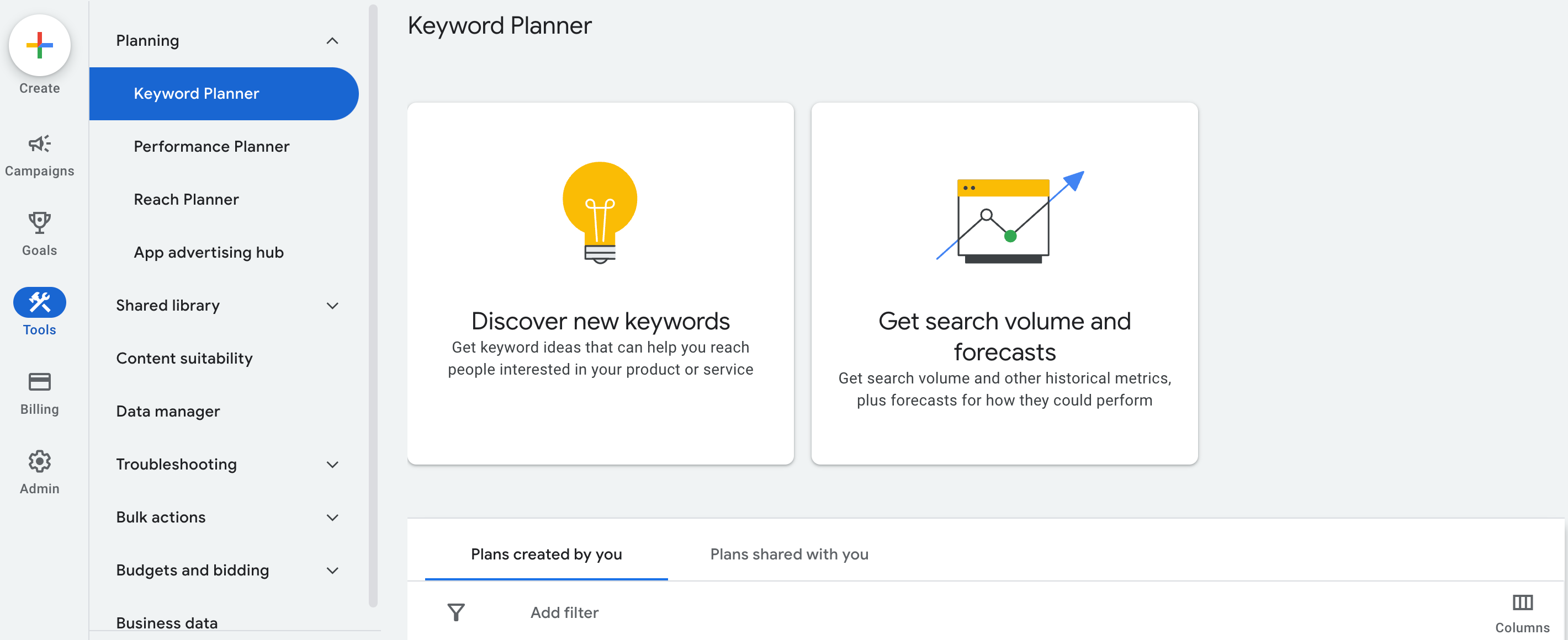
With the tool, you can discover new keywords related to your business or industry. Or, input terms relevant to your products or services, and the tool will suggest additional keywords and how the tool might perform. You can also see monthly search volumes and trends, which give insights into the popularity and seasonality of search terms.
For businesses that depend on local traffic, Google Keyword Planner also allows you to analyze search volume and trends based on specific locations. Then, you can tailor your website and content to align with the interests and search behaviors of audiences in specific areas.
5. Moz
When it comes to standalone monolith SEO tools, Garrett said Moz tends to be the more user-friendly when compared to other options, like Ahrefs. “Depending on one’s SEO program, knowledge and resources available, Moz would be the tool I would start with, moving to Ahrefs when the SEO knowledge increases.”
With the free version of Moz, users can:
- Get SEO metrics, like domain authority, linking root domains, ranking keywords and spam score
- Discover and prioritize keywords that make the most sense for your site
- Find content and link-building opportunities and compare against competitors
- Get a competitive analysis, including a list of top your site’s top SERP competitors
- See how your location appears on local search engines and directories
When you sign up for a free account, you’ll also gain access to Moz’s community Q&A forum, where you can ask SEO-related questions and get answers from other Moz users and SEO experts.
6. Google Analytics 4
Google Analytics 4, the successor of Universal Analytics, offers a number of free features that allows you to enhance your SEO efforts, giving you detailed insights into website traffic, user behavior and the effectiveness of your content.
GA4 focuses heavily on user engagement, tracking metrics like engagement time, pages per session and bounce rate. Understanding these metrics can help you optimize your site to better hold users’ attention and potentially improve search engine rankings.
Unlike Universal Analytics, GA4 automatically tracks a variety of interactions as events without needing additional configuration. This includes clicks, file downloads, video plays and site searches. This data is invaluable for SEO as it helps you understand which content is the most engaging and how users interact with your site.
One benefit of GA4 is that you can integrate it with Google Search Console to get a more comprehensive view of how your SEO efforts impact overall site performance, combining insights from both traffic sources and user behavior.
Related Article: What’s New in Search? Top SEO Strategies for 2024
7. Ahrefs
Ahrefs, according to Garrett, dives deeper into the data and technical side of SEO compared to other tools, like Moz. The free version of the tool offers a useful set of tools that will give you insight into your site’s health and how to improve it.
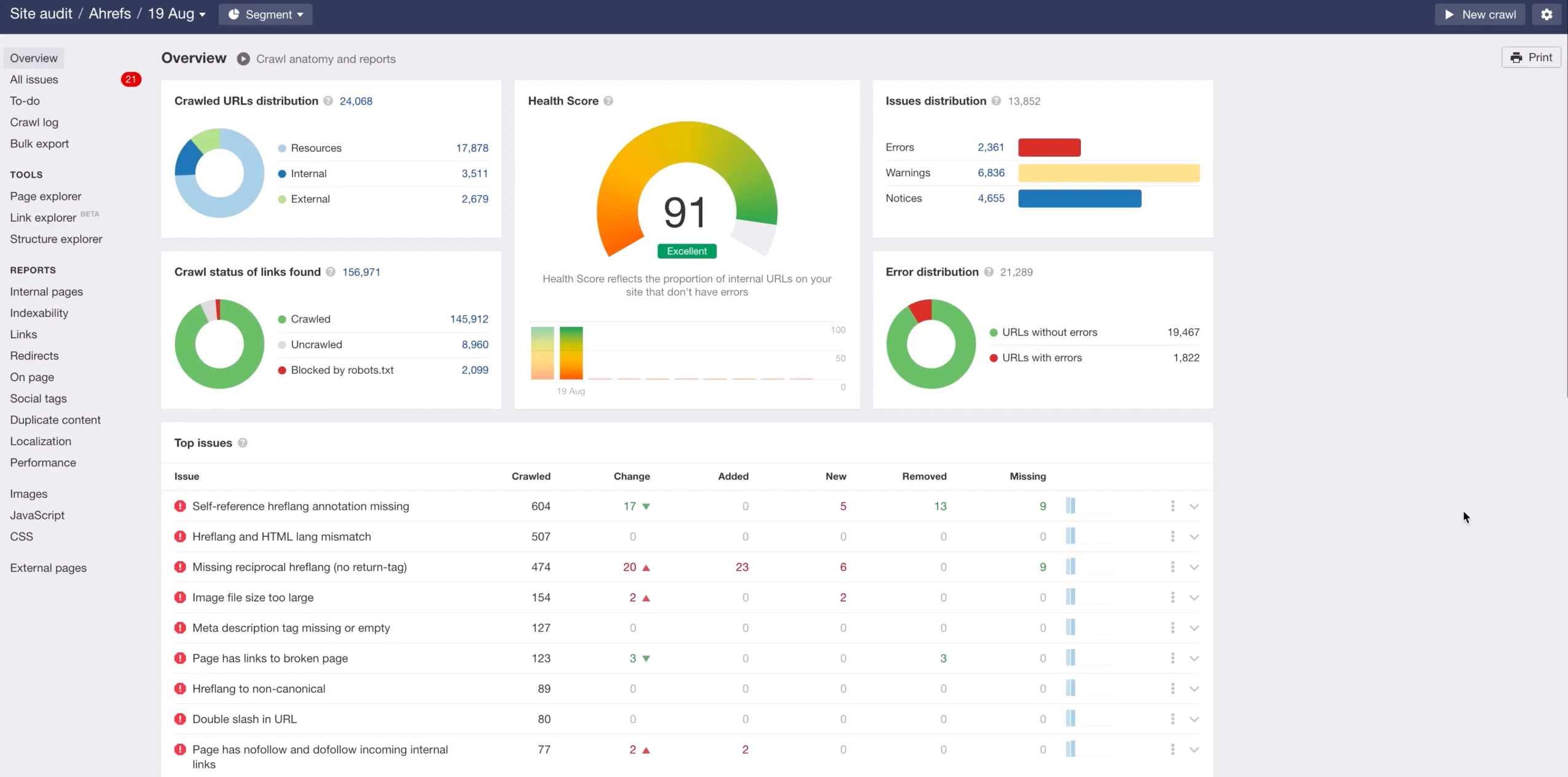
With the free version of Ahrefs, you can:
- Perform a limited audit of your website to detect SEO issues like broken links, slow loading pages and issues with meta tags
- Find keyword suggestions, discover new keywords and get estimated search volumes
- Check the difficulty of a keyword, or how hard it will be to rank within the top 10 search results for that keyword
- Get a look at your site’s top 100 backlinks, including the URL, domain rating, link type and traffic estimates
- Discover the top 10 SERPs for a given keyword, which includes metrics like backlinks and domain rating for each ranking page
This free SEO tool also gives you access to the Ahrefs SEO toolbar. This is a browser extension that provides SEO metrics — including domain and page-level metrics — for the pages and search results you visit.
8. Answer the Public
For keyword research, outside of the Google Keyword Planner, Answer the Public is a great free tool, said Garrett. “You can type in a keyword or phrase to see what the public is searching for related to that keyword, including questions being asked, similar terms to help you brainstorm on content creation,” Garrett said.
To use this tool, you start by entering a keyword or phrase. This can be a broad topic or a more specific term related to your business. Then, the tool generates data in a “search cloud” format divided into categories, such as:
- Questions
- Prepositions
- Comparisons
- Related
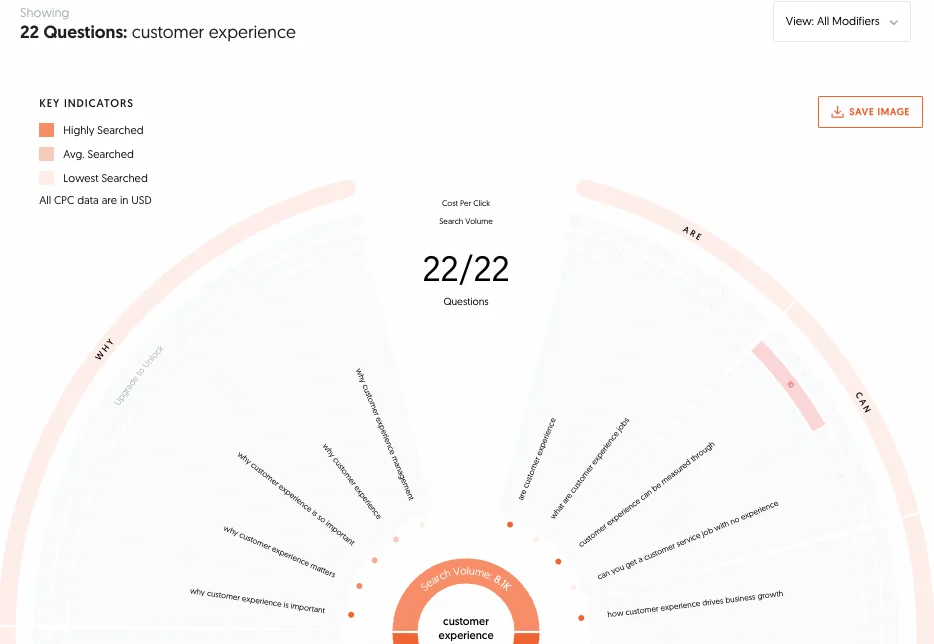
This free SEO tool is especially useful for those looking to improve their content marketing strategies by aligning more closely with user intent and the specific information needs of their target audience. Having highly targeted content not only drives traffic, but can also boost engagement.
9. Frase.io
According to Kimsey, Frase.io is a great tool for optimizing content. Its focus is to help content creators develop detailed, SEO-friendly content that aligns closely with user intent and search engine requirements.
“Written content provides the meat for search engines to answer the intent of the person performing the search,” Kimsey explained. “Great content is well optimized for the correct phrases AND provides valuable information to the reader. Getting both right is an important part of ranking well in search engines.”
Frase.io automates the process of content research by analyzing top-performing content across the web for any given topic. It then gives an overview of what competitors are writing about, common questions being asked and the structure of content that ranks well. The free tool als offers a real-time content scoring system that evaluates how well your content is optimized for SEO compared to the top-ranking pages of the same topic.
10. ChatGPT
Consider ChatGPT your own personal SEO assistant — one you don’t have to pay. While this AI bot is not made exclusively for SEO purposes, it can still assist you in a lot of areas, including:
- Keyword Research and Analysis: It can help you brainstorm ideas for potential keywords based on topics provided.
- Content Creation: It can generate SEO-friendly content that’s crucial for ranking high in SERPs — though you’ll likely need to do a few edits before you publish.
- Content Optimization: It can read through existing content and make suggestions for improvements regarding readability, structure and keyword density.
- SEO Reports: ChatGPT can synthesize data from various SEO tools and provide summaries of key metrics like page rankings, domain authority and backlink profiles.
Link Building Assistance: The tool can brainstorm ideas for link building, such as potential outreach strategies, guest blogging opportunities and even draft outreach emails that are more personalized and likely to receive a positive response.
Your imagination is the limit when it comes to using ChatGPT for SEO. Having the free version of this tool on-hand can help you save time, increase productivity and improve the effectiveness of your SEO strategies.
Related Article: Assessing the Impact of AI-Driven Web Browsing on SEO and Marketing
Maximizing Your Impact With the Best Free SEO Tools
There are a lot of tools out there. And sometimes, said Kimsey, just checking a new tool within their free trial is enough to provide the insights necessary to get you on the right optimization path.
Some of the tools above are completely free. Others offer both free and paid versions. If you find you like a certain free SEO tool enough, it may be worth spending some money to see if the paid version offers expanded insights and opportunities that are worth the investment.